
Controls
The Controls screen (/controls) exposes every writable setting the active profile
defines. It’s admin-only and appears in the nav only when the profile has writable
controls. Changes are pushed to the inverter immediately, through the same validation used by
the REST API and MQTT bridge.
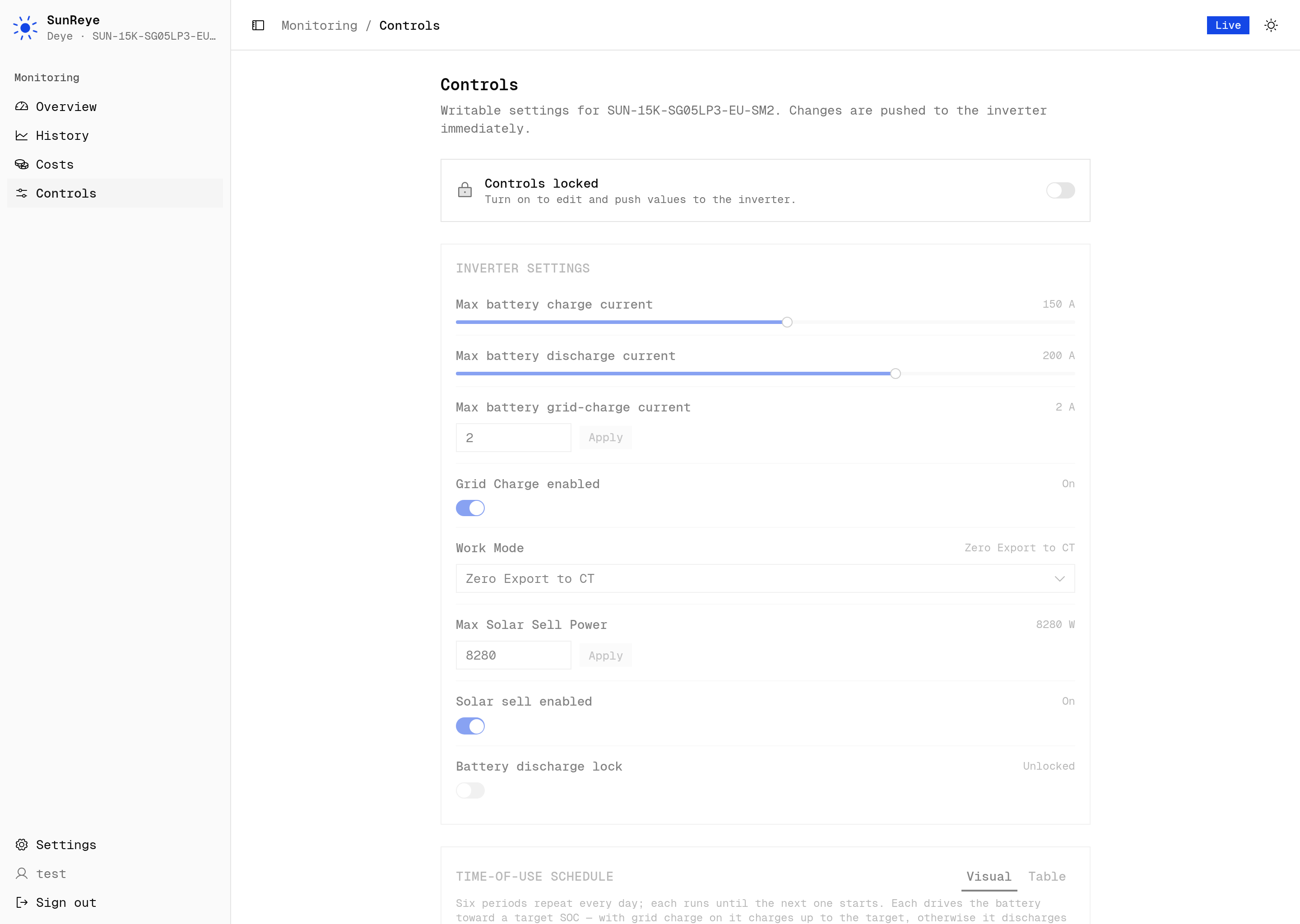
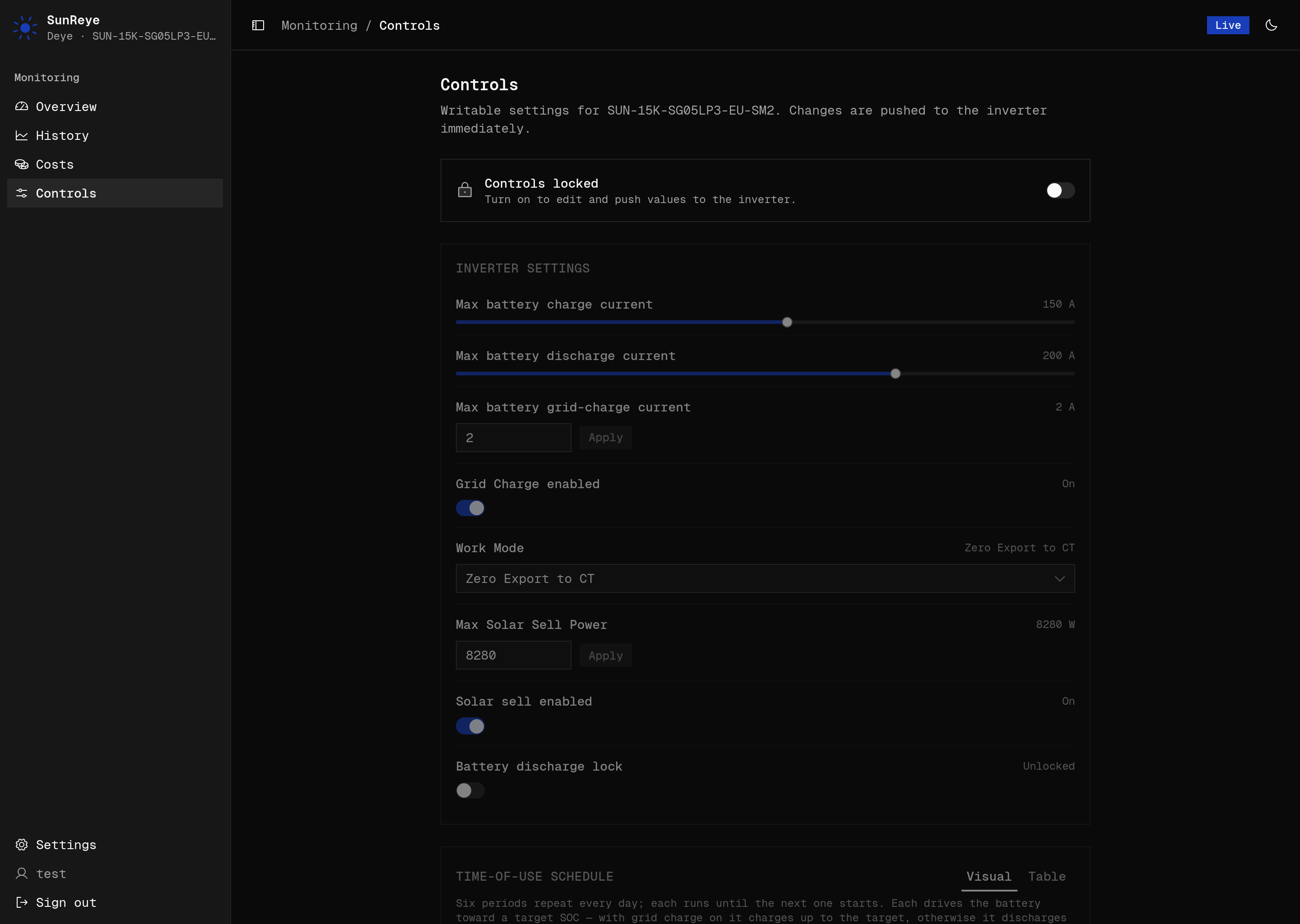
Inverter settings
Section titled “Inverter settings”Each writable metric in the settings group renders as a control whose widget is chosen
from the metric’s shape:
| Metric shape | Widget |
|---|---|
| Boolean enum (0/1) | Switch |
| Larger enum | Select dropdown |
| Ranged number | Slider (commits on release) |
| Other numeric | Input + Apply button |
Each control shows the current value/label and unit, applies optimistically with a pending state, and confirms with a success or error toast. Typical settings include charge/discharge currents, work mode, grid charge, and solar-sell.
Time-of-use schedule
Section titled “Time-of-use schedule”If the profile exposes the time-of-use feature (as the Deye profile does), a Time-of-use editor appears. Six periods repeat every day, each driving the battery toward a target SoC.
- A Visual tab shows a 24-hour timeline: one block per period, sized to its clock duration (wrapping midnight), block height = target SoC, amber = grid-charge-to-target vs blue = discharge-to-target, a lightning bolt on grid-charge periods, and a live “now” marker. Below it, a slot picker and a per-slot editor (start time, grid-charge switch, target SoC, max power, target voltage).
- A Table tab gives the same slots as inline-editable rows (enabled / start / power / voltage / SoC).
An optional solar-sell control sits above the tabs when the profile supports it.